Seven questions to ask before choosing
- Can every recognized field be reviewed and corrected?
- Does the app keep the original image with the record?
- Can it handle several photos for one long receipt?
- Can you search by merchant, date, amount or category?
- Which report and spreadsheet formats can it export?
- Can you start without creating an account?
- Does it clearly explain optional AI processing and analytics?
Match the app to the actual job
For occasional personal receipts, simple capture and search may be enough. Freelancers and small businesses may also need categories, period filters, original images and PDF or spreadsheet exports. A company with approvals, reimbursements, payroll or full bookkeeping usually needs a broader expense-management system than Reece.
Where Reece fits
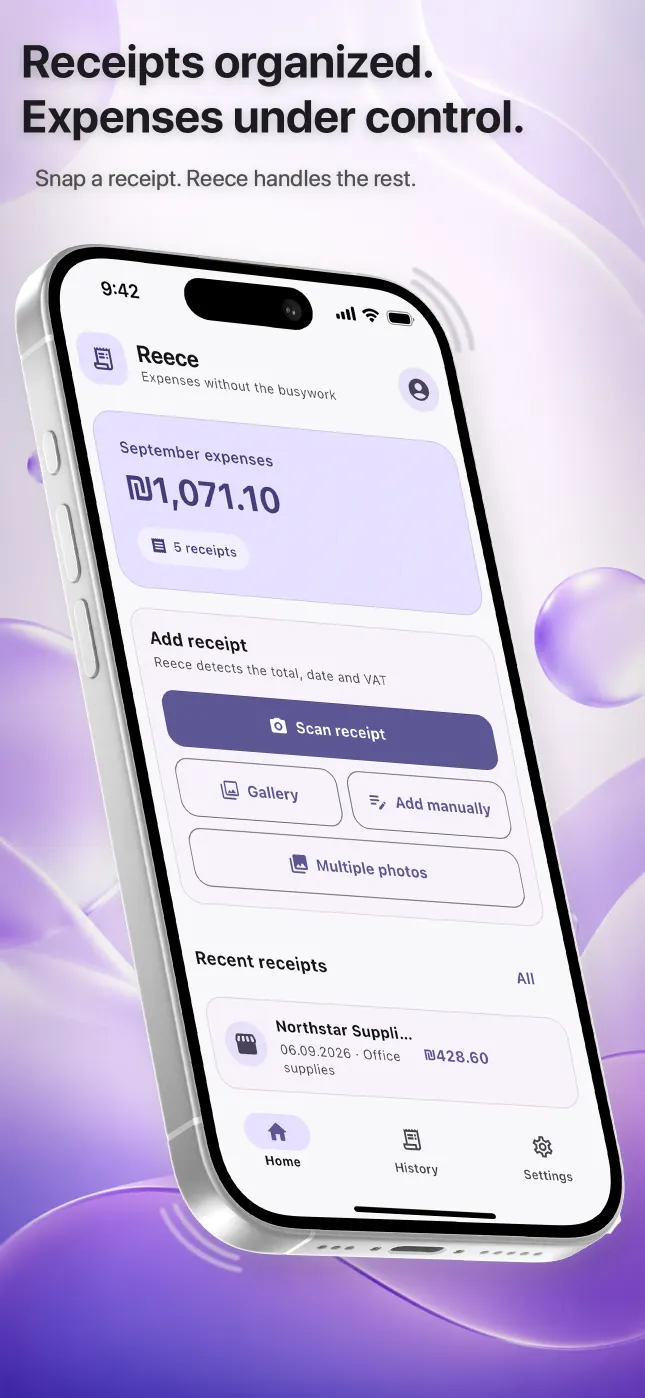
Reece is a focused iPhone receipt scanner and expense organizer. It recognizes key receipt fields, keeps originals, supports manual entry, search, summaries and period exports, and works in Russian, Hebrew and English. It does not connect to bank accounts, issue invoices, file taxes or replace accounting software.
Questions people ask
What is the best receipt scanner app for iPhone?
There is no universal best app. Choose according to your need for correction, search, export, privacy and accounting workflow.
Is an AI receipt scanner always accurate?
No. Image quality and document layout affect recognition, so important fields must always be checked.
Should a receipt scanner replace accounting software?
Usually not. A scanner organizes source documents and expense data; full accounting and statutory reporting are separate tasks.