
How to photograph a long receipt
- Flatten the paper
Place it on a contrasting surface and reduce folds or curves.
- Start at the header
Include the merchant and date in the first image.
- Use overlapping sections
Leave a small repeated area between images so the page order remains clear.
- Finish with the totals
Make the final total, VAT and payment section sharp and fully visible.
Review the combined result
Check that all pages belong to the same transaction and that none is missing or duplicated. Compare the recognized merchant, date, final total, VAT and currency with the most relevant page before saving.
When manual entry is safer
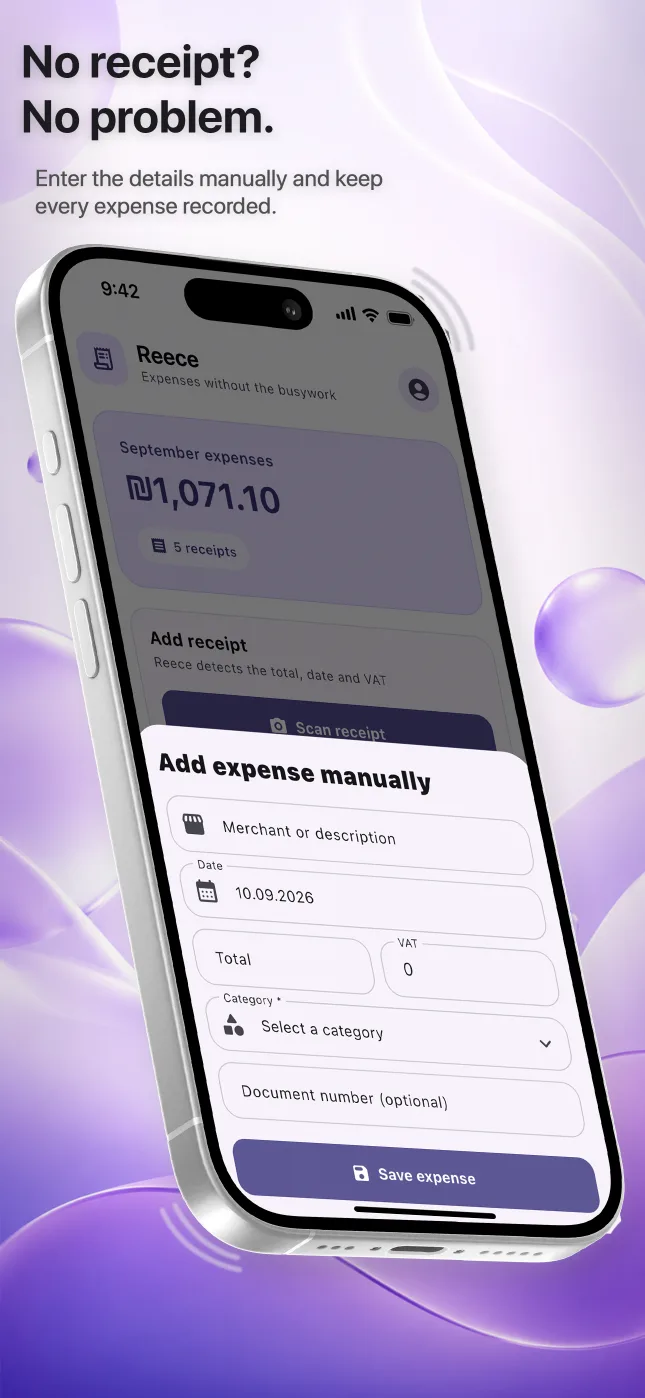
If the paper is faded, damaged or partly missing, automatic recognition may not have enough evidence. Enter or correct the fields manually and keep every readable source image attached. Do not invent a value that is not visible on the document.
Questions people ask
Can I scan one long receipt as several photos?
Yes. Reece can keep several images as pages of one receipt.
How much overlap should the photos have?
A small overlap is enough to show continuity and page order without repeating most of the receipt.
What if the total is unreadable?
Do not rely on a guessed value. Retake the final section when possible or enter only information you can verify.