What makes a receipt archive useful
A useful digital receipt archive answers three questions quickly: what was purchased, when it happened and where the source document is. In Reece, the original image stays linked to an editable expense record instead of becoming an isolated photo.
- Merchant, date, total, VAT, currency and category in one record
- The source image beside the extracted details
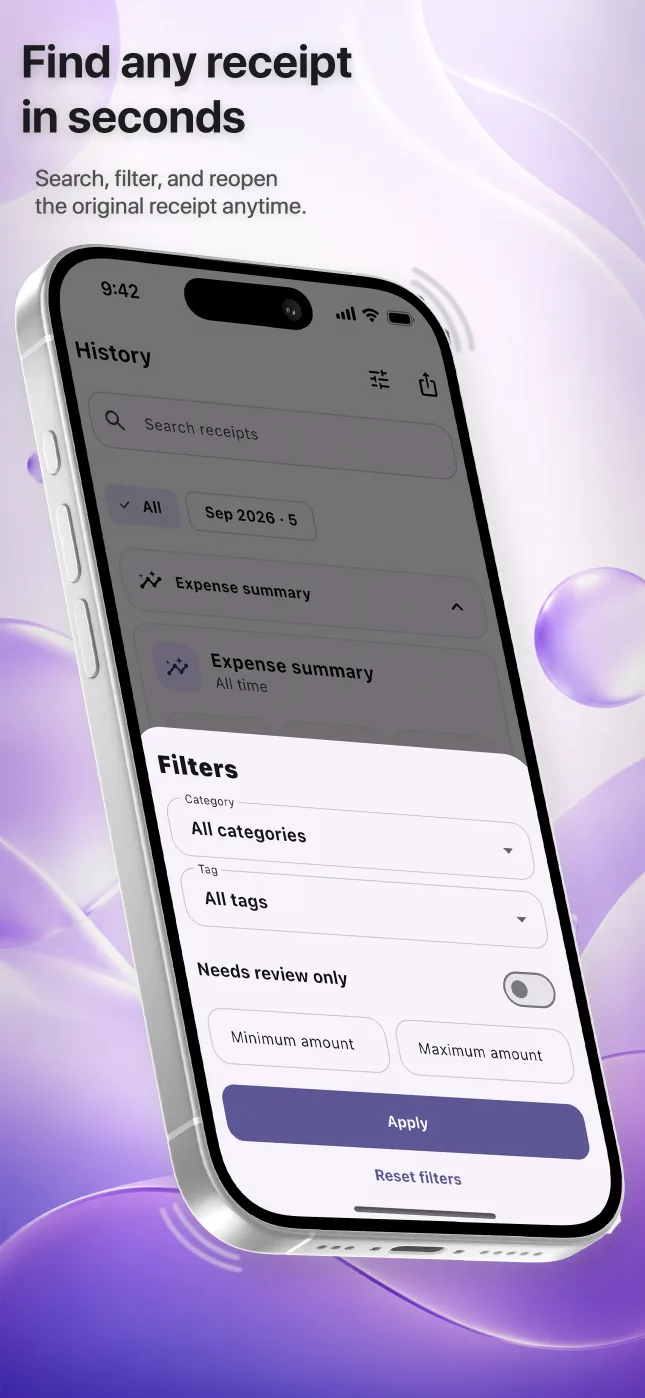
- Search by merchant, date, amount or category
- Date filters for a specific reporting period
A simple organizing routine
- Capture the receipt
Photograph the document or choose one or several images from Photos.
- Review the record
Compare every important field with the source and correct uncertain values.
- Use consistent categories
Choose the same category for similar purchases so the history remains understandable.
- Find or export it later
Search when one receipt is needed, or export a month or custom period for broader review.
Receipt photos versus organized expense records
Keeping photos is better than losing the paper, but photos alone have no reliable merchant, amount or category fields. An organized record makes filtering and reporting possible while preserving the original for verification. If a document must be retained under accounting, tax, warranty or legal rules, confirm the required form and retention period with the relevant professional.
Questions people ask
Can I search receipts on my iPhone?
Yes. Reece can search saved records by merchant, receipt number, date, amount and category.
Does Reece keep the original receipt image?
Yes. The source image stays attached to the expense so you can compare the record with the document.
Is a digital copy always enough?
Not necessarily. Document-retention requirements depend on the purpose and applicable rules, so keep originals whenever they are required.