Choose the right period
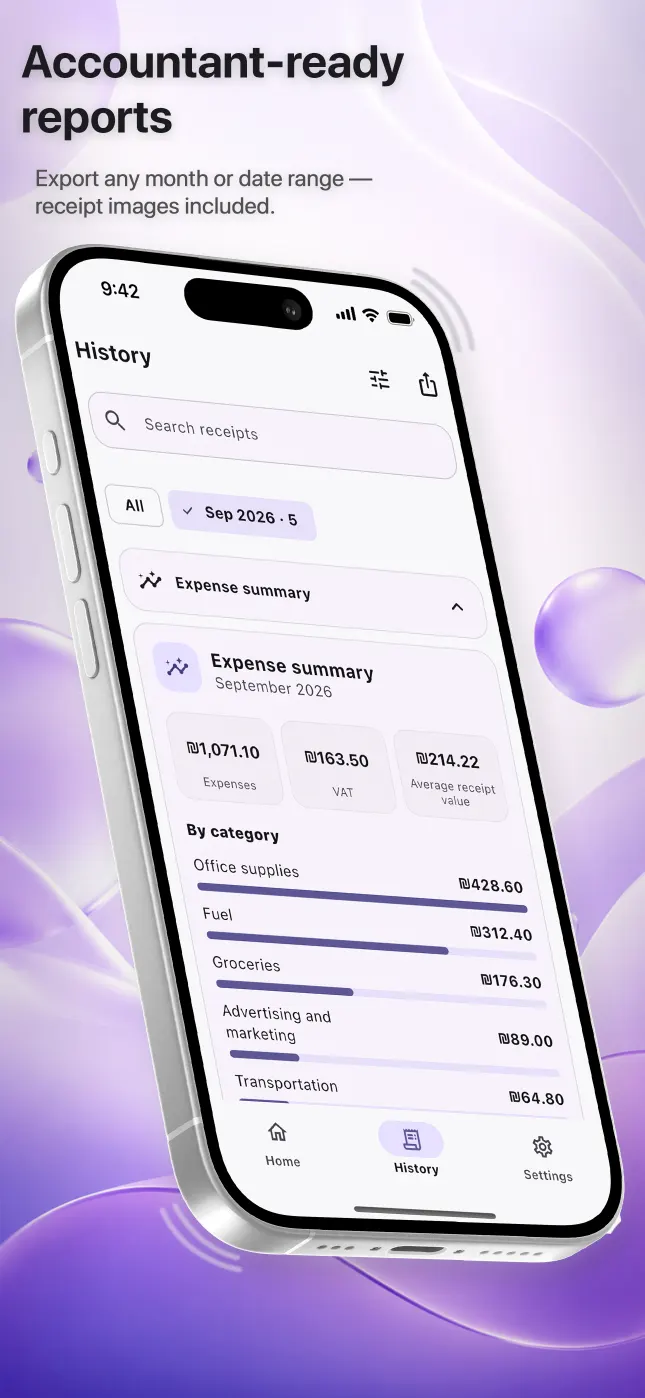
Open the expense history, check the visible records and choose the selected month or a custom date range. A narrow period is easier to verify and avoids mixing documents from different reporting cycles.
Use each format for the right task
- PDF: a stable, readable overview for review or archiving
- Excel: structured rows that can be sorted and continued by an accountant
- CSV: a plain table for compatible accounting workflows
- Original images: the source documents linked to the exported expenses
Check before sharing
- Review totals and dates
Correct recognition mistakes while the original is visible.
- Check categories
Use consistent categories, but let your accountant decide the final accounting treatment.
- Confirm the period
Make sure the first and last dates match the requested reporting window.
- Share through your chosen app
Save or send the resulting files using the iPhone share sheet.
Questions people ask
Can I export only one month?
Yes. You can export a selected month or choose a custom date range.
Are original receipt images included?
They can be included so each exported expense can be checked against its source document.
Does an export prove an expense is tax deductible?
No. The export organizes the information; tax treatment and required evidence depend on applicable rules and professional advice.