Practical guide
How to organize receipts for your accountant
A practical workflow for capturing receipts, reviewing expense details and preparing an organized accountant-ready package in Reece.
Read guide →Clear answers for freelancers, small businesses and anyone who wants receipts to stay useful after the purchase. Each guide explains the workflow, what Reece can do and where human review is still required.
A practical workflow for capturing receipts, reviewing expense details and preparing an organized accountant-ready package in Reece.
Read guide →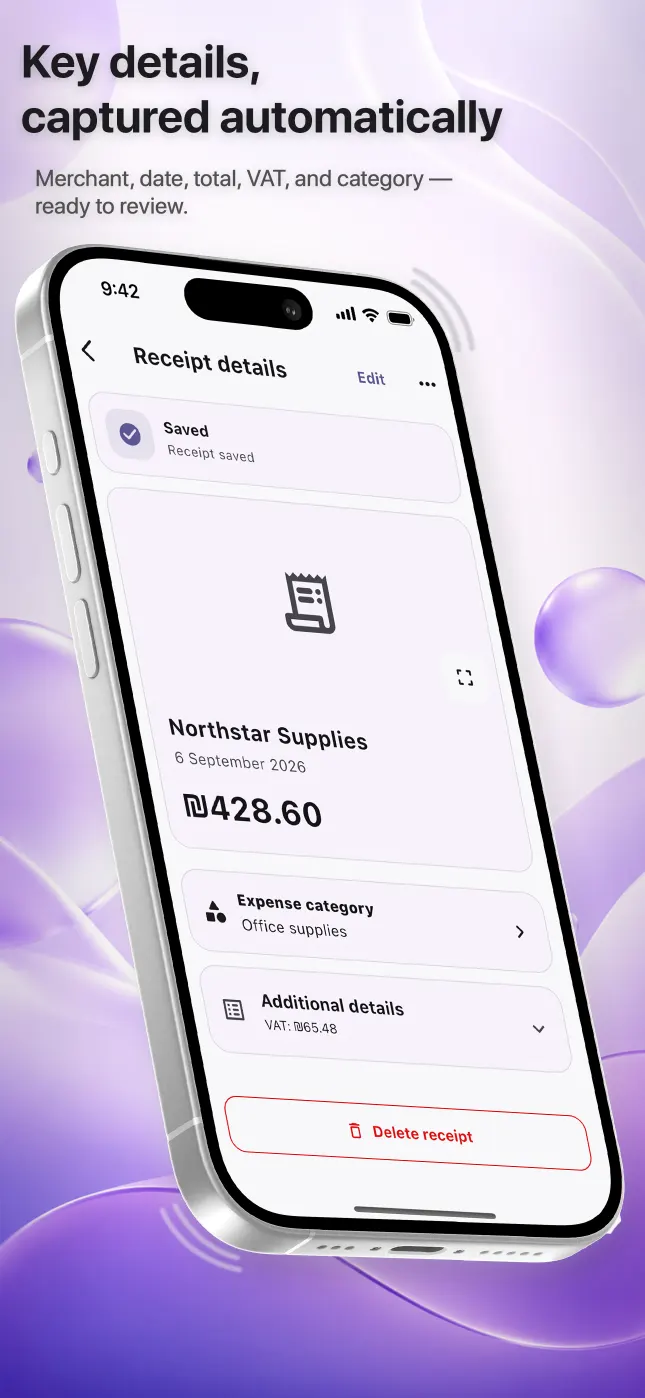
Learn how Reece scans receipt photos on iPhone, which fields it recognizes, how to improve a scan and why every result should be reviewed.
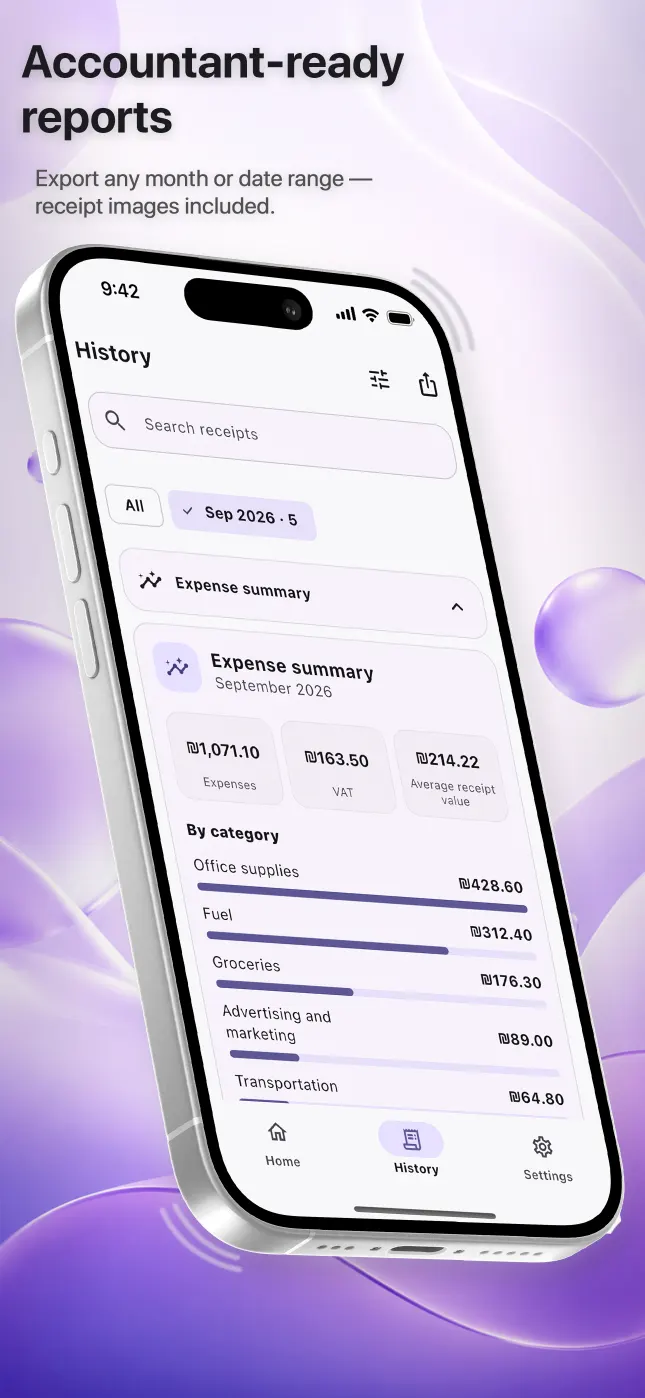
Read guide →Choose a month or date range in Reece and export expenses as readable reports, structured spreadsheets and original receipt images.
Read guide →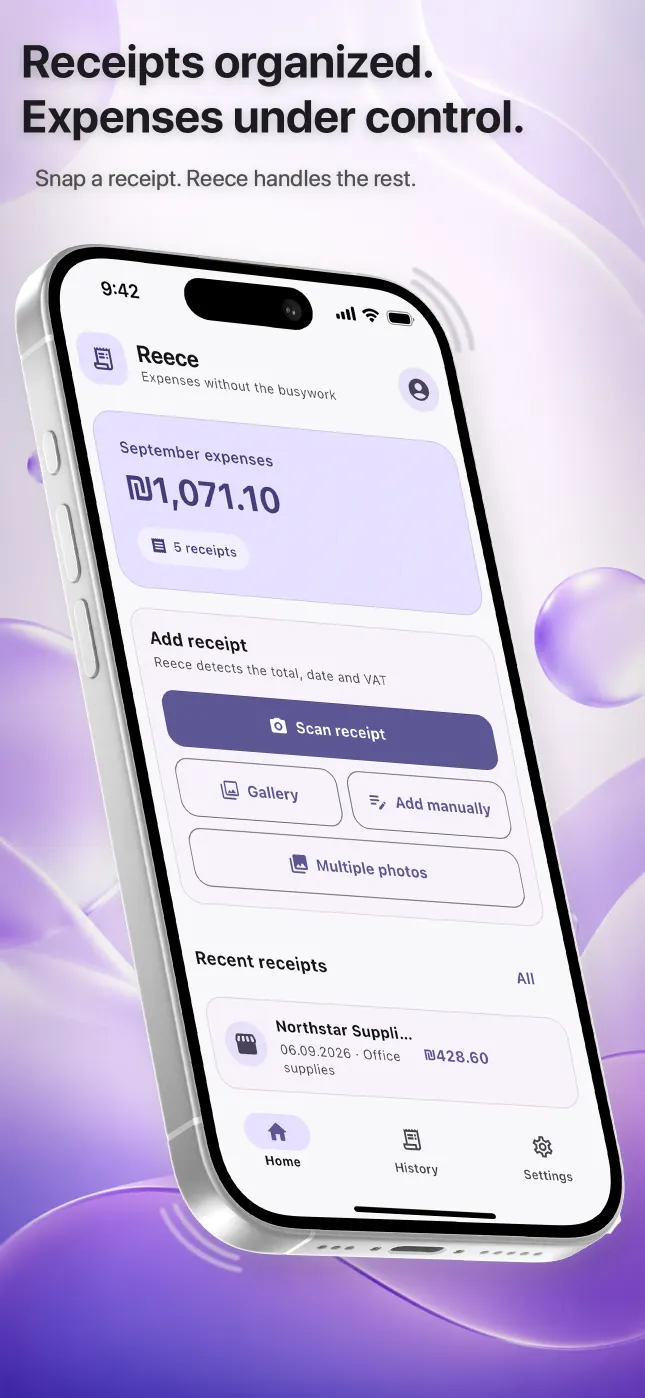
A practical way for freelancers, beauty professionals and small businesses in Israel to keep receipts, VAT details and expense records organized.
Read guide →Scan everyday receipts on iPhone in Israel, review merchant, date, total and VAT, organize expenses, and export records in Hebrew, Russian or English.
Read guide →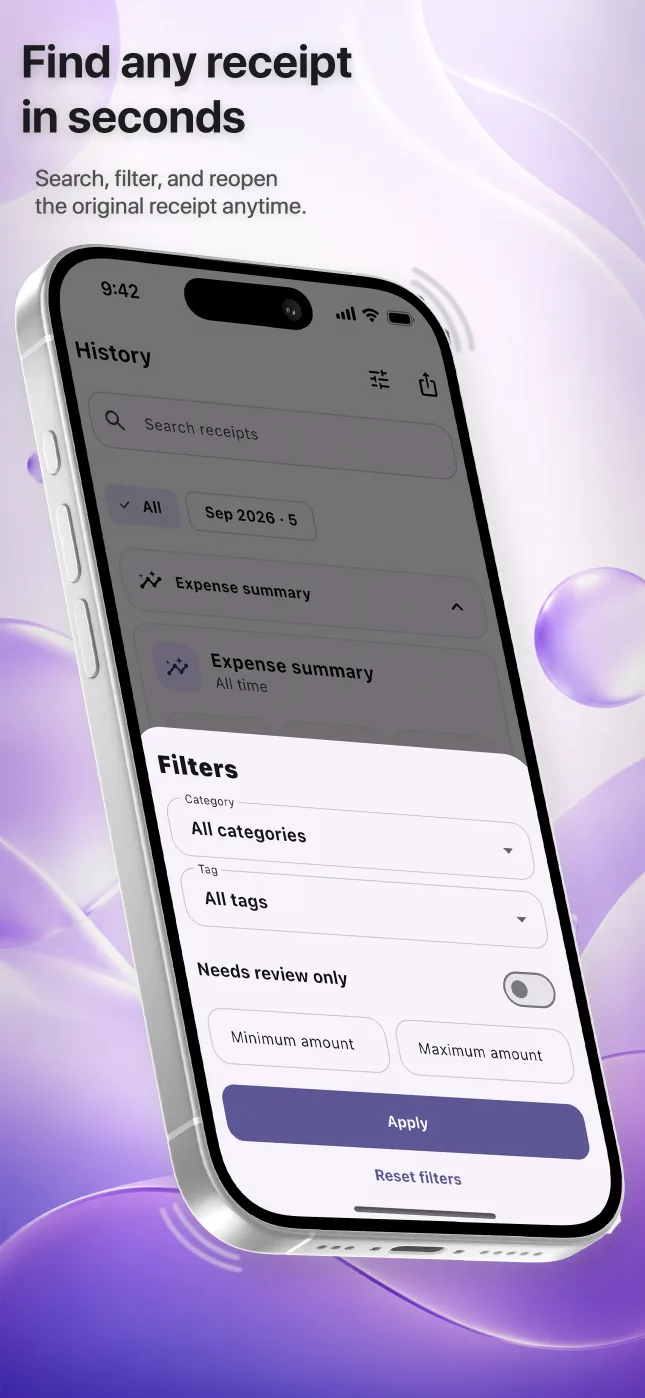
Learn how to turn receipt photos into a searchable digital archive on iPhone, with categories, original images and accountant-ready exports.
Read guide →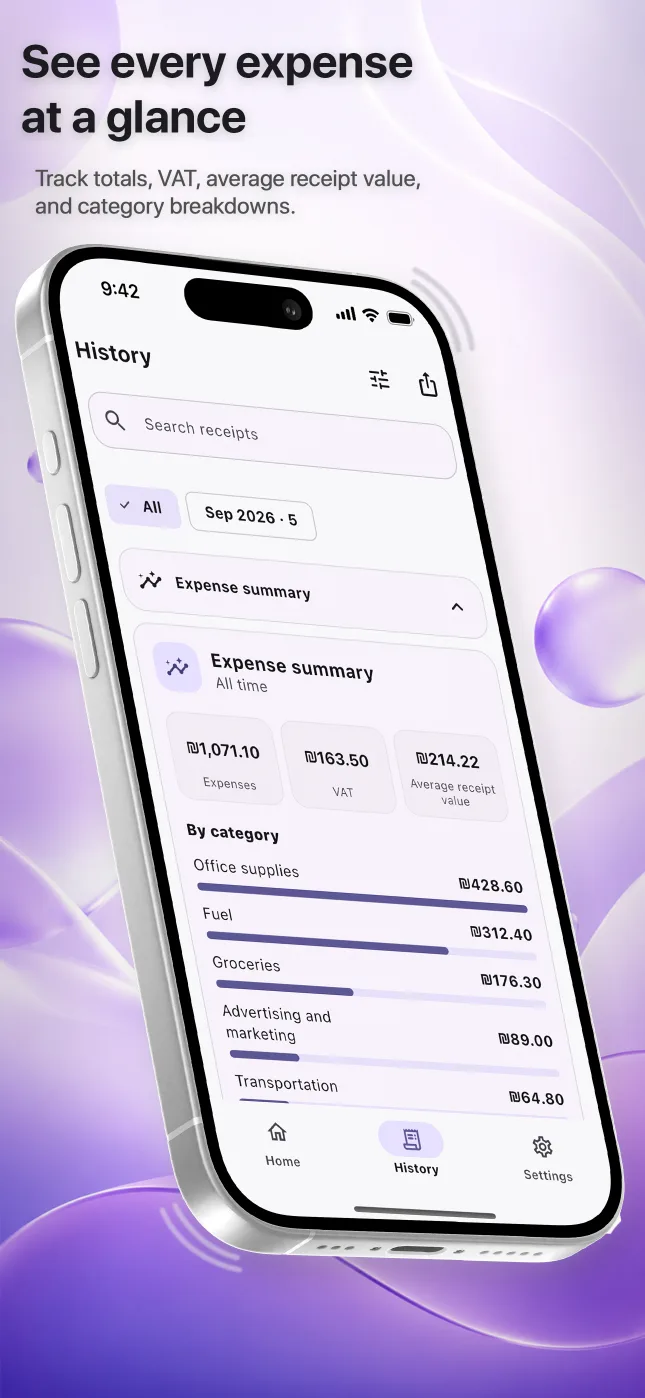
A practical iPhone expense-tracking workflow for freelancers and small businesses: capture receipts, check totals, categorize spending and export a period.
Read guide →A cautious workflow for capturing totals and VAT from Israeli receipts, reviewing recognized fields and preparing organized expense records.
Read guide →A receipt and expense workflow for nail technicians, hair stylists, cosmetologists, barbers and salon owners who buy supplies throughout the month.
Read guide →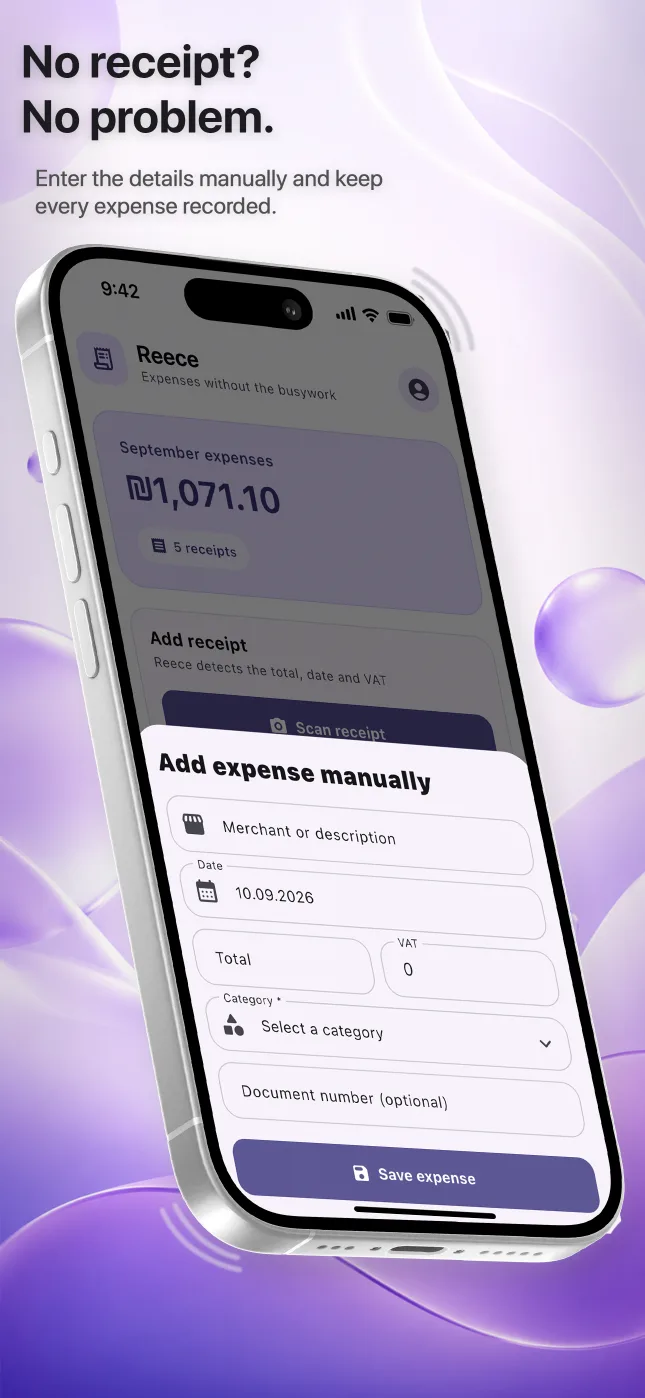
A practical way to photograph a long receipt in several clear images, keep the pages together and review the final expense record in Reece.
Read guide →Start organizing receipts on iPhone without creating an account, understand what stays on the device, and choose later whether to enable cloud synchronization.
Read guide →Compare the features that matter in a receipt scanner for iPhone: review controls, original images, search, exports, guest access and privacy.
Read guide →Use Reece to capture the original, review the recognized details and keep the expense ready to find or export later.