What you can do in guest mode
- Photograph a receipt or choose images from Photos
- Review and correct the recognized expense fields
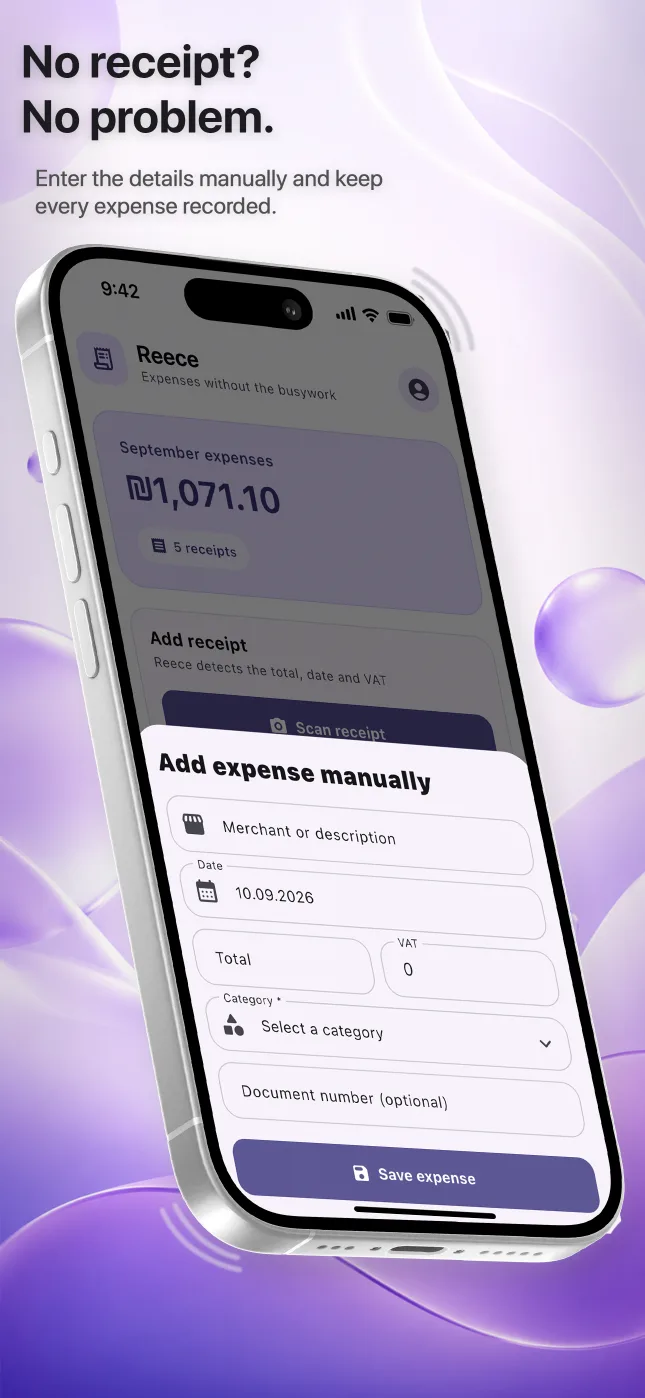
- Add an expense manually when there is no image
- Search saved receipts and view expense summaries
- Prepare exports from the records stored in the app
Local guest data and optional account sync
Guest receipt data remains on the device and is not synchronized across devices. Creating an account enables cloud synchronization and recovery. Before changing phones, reinstalling the app or removing local data, consider whether you need an account-backed copy.
AI processing and analytics are separate choices
Before receipt content is sent for AI recognition, Reece explains the processing and asks for permission. If you decline, manual entry and functions that do not require recognition remain available. Optional analytics is controlled separately and does not include receipt text, merchant names, amounts, email addresses or receipt images.
Questions people ask
Can I use Reece without signing up?
Yes. Guest mode provides the core receipt and expense workflow without a permanent account.
Will guest receipts appear on another iPhone?
No. Guest data stays on the current device; an account is required for cloud synchronization and recovery.
Can I decline AI receipt processing?
Yes. You can use manual entry and other non-recognition features without allowing AI processing.